Any device is the time clock.
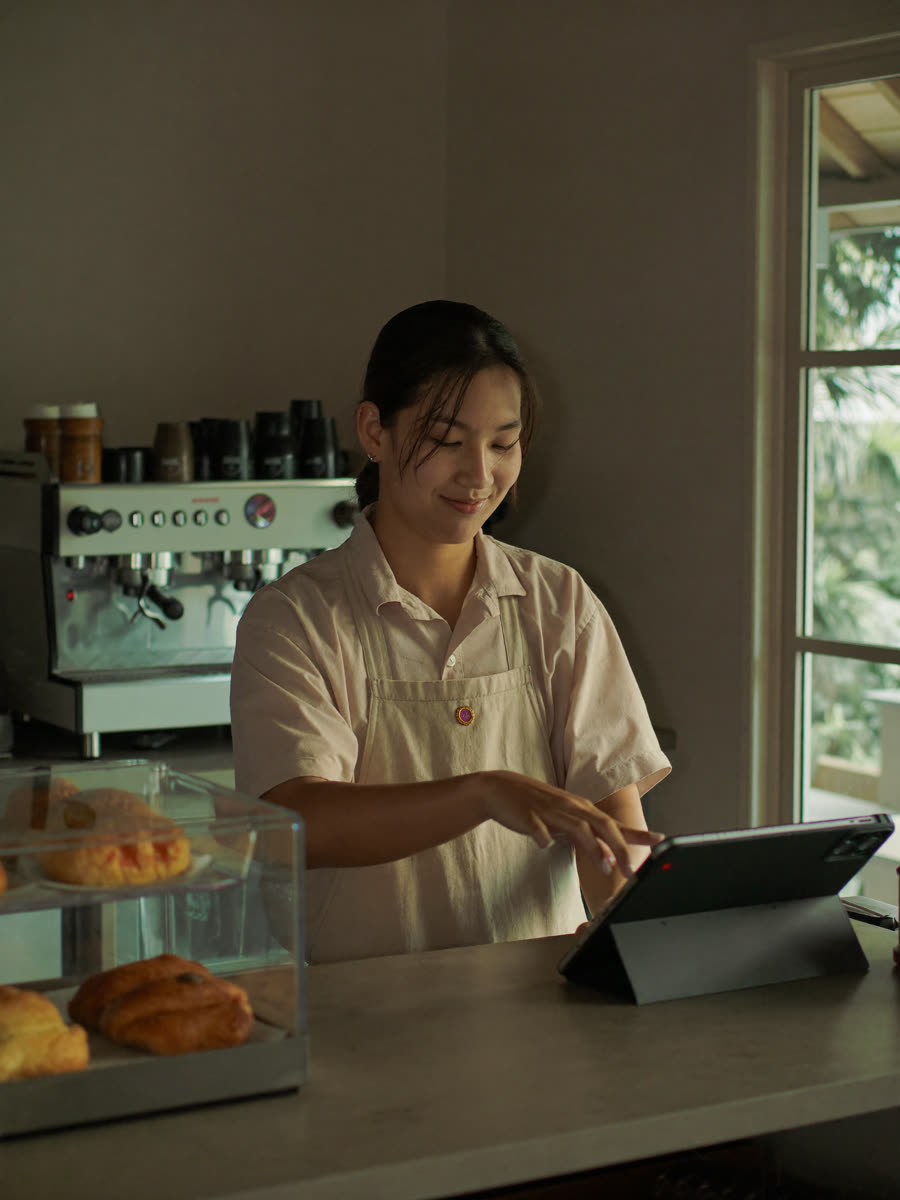
Tablet at the counter, laptop in the back office, an old phone on a stand by the door. Pair it once and the whole team taps in with a PIN.
- PIN-based clock-in
- Pair trusted devices
- No biometric machine
The whole feature set, the two ways to clock in, and how the same product serves a shop with two branches and an agency with twenty client sites.
Share one device at the door, or let each person use the phone already in their pocket. Nothing to install, nothing to buy.
Tablet at the counter, laptop in the back office, an old phone on a stand by the door. Pair it once and the whole team taps in with a PIN.
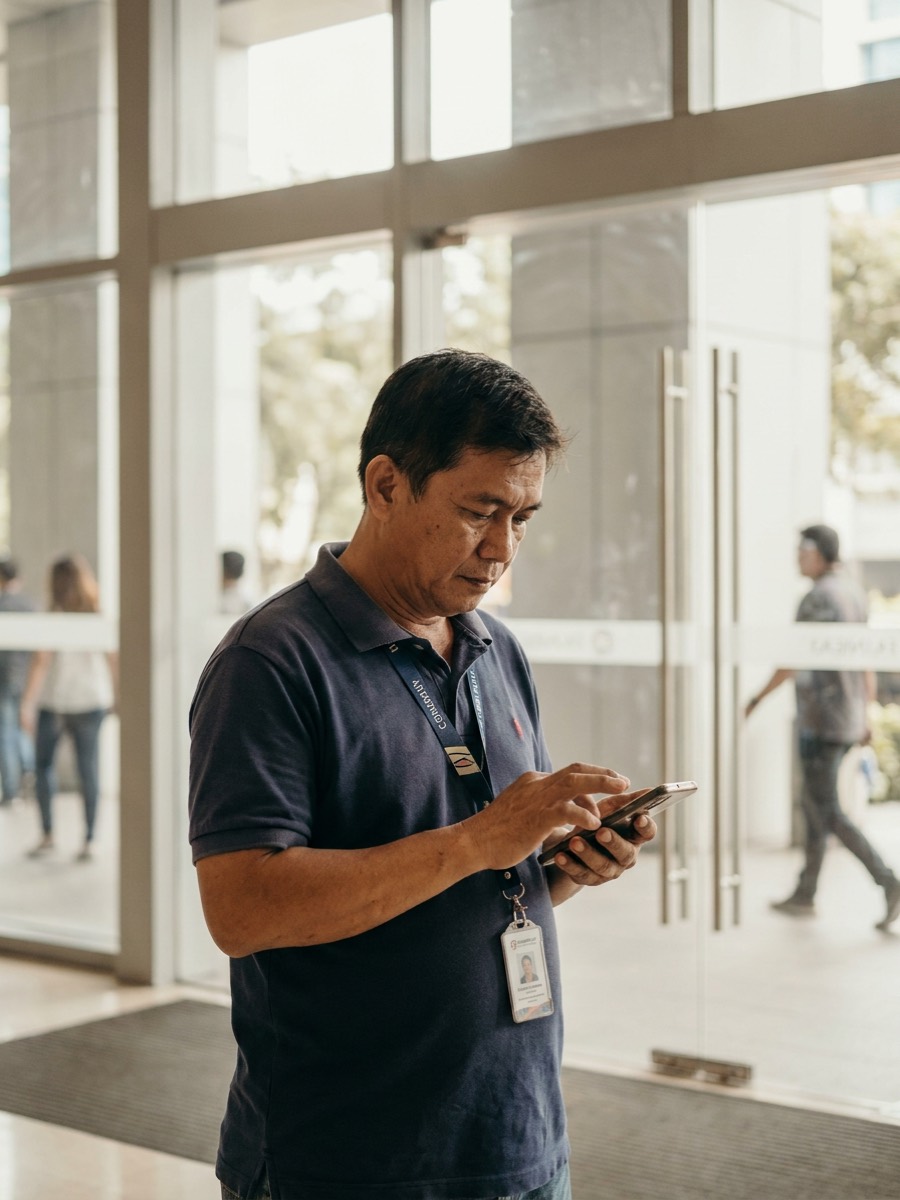
Staff deployed to a client site have no counter to tap in at. So they use the phone in their pocket — pinned to the site you assigned them to.
Most teams end up running both — a kiosk at the branch, phones for whoever is deployed somewhere else.
Clocking in is the easy part. These are the pieces around it — the ones you set once, then stop thinking about.
Read the setup guidesAssign the shift each person works, per location, or drag a whole week together in the planner. Hours are counted against that shift.
Missed clock-outs, overtime filings, and leave requests land in the same tray — with leave checked against the balance before you approve.
Lock clock-ins to a location's network or to a radius around it, so a shift can only start where the work actually happens.
Staff deployed to a client site, or working from home, clock in on their own phone — with the same location checks when you need them.
Regular, special non-working, and special working days, kept per location. Pay follows the day type instead of your memory. On paid plans.
Set what each leave type gives, how it accrues, and what carries over. The balance is checked at approval, not after payday.
Hours inside your night window, work on a rest day, and approved overtime are each counted on their own and priced at your rates.
See what each person is owed for the cut-off, then export Standard Excel, an accountant sheet, payslips, QuickBooks Time, or a Sprout-compatible CSV.
The four steps run the same either way. What changes is who taps in, and whose payroll the timesheet ends up in.
One board for both. No logbook, no biometric machine.
Opened 6:52 AM
Opened 7:04 AM
Today's board
Cut-off
Aug 1 – Aug 15
Free for 1 location. ₱999 a year covers 5 locations and 50 people — flat, not per employee.
Phones instead of a kiosk. Each site exports its own file.
Amihan Logistics
Alabang DC · 9 on site
Bayanihan Foods
BGC store · 4 on site
Sierra Verde Property
Ortigas tower · 6 on site
Malaya Medical Group
Makati clinic · 3 on site
₱2,990 a year on Max covers 25 client sites and 250 people — flat, not per employee.
Wherever staff clock in and out, ClockTap replaces the logbook and the biometric machine with a browser.

Know who opened, who is on bar, and who ran late from the tablet already on your counter.

See who opened and who closed each branch straight from a shared kiosk.

Staff posted to a client site — or working from home — clock in on their own phone
ClockTap is a browser-based attendance system for retail stores, restaurants, clinics, outsourced and deployed teams, and other shift-based businesses. It replaces paper logbooks, spreadsheets, and biometric hardware with one web app for clock-ins, approvals, employee records, schedules, and attendance reporting.
Teams can run a shared kiosk on any device, let employees clock in with a PIN or from their own phone, review overtime and leave requests, and monitor attendance across one or more locations from a central dashboard — whether those locations are branches of one business or the client sites an agency staffs.
Set up your workplace and invite your first employees in minutes.
Free for up to 5 employees. No credit card required.